
- Identify the faulty controller and turn it off with the switch underneath
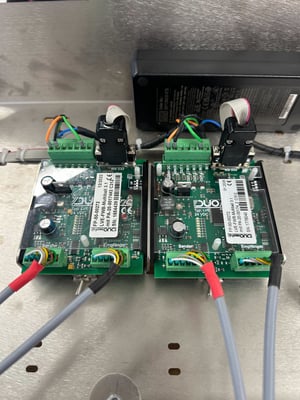
- Remove all the sensor connectors
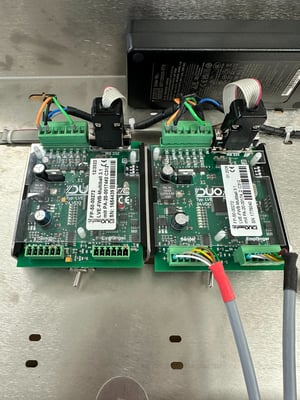
- Remove the DB9 connector
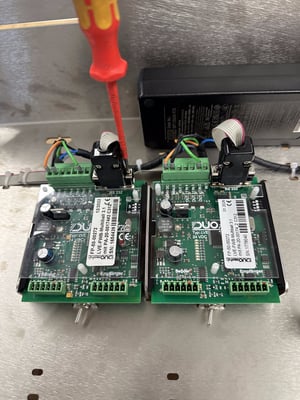
- Remove the power connector
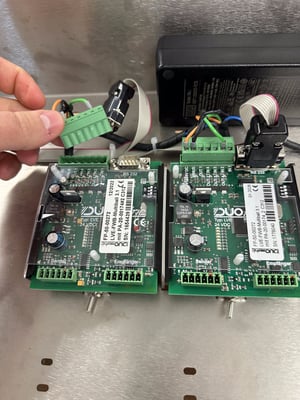
- Slide the controller carefully out of its slot (up to Generation 3)
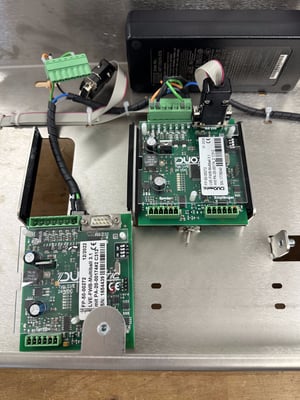
- Reinstall in reverse order